Installing and Setting Up WalletKit in React Native (Reown)
📅
Reown is a company focused on user experience, offering AppKit and WalletKit toolkits to help people building onchain unlock better experiences. (Source: Reown website↗)
npm install @reown/walletkit @walletconnect/react-native-compat
npm install @react-native-async-storage/async-storage @react-native-community/netinfo react-native-get-random-values fast-text-encoding
npm install @walletconnect/jsonrpc-types --dev
yarn add @reown/walletkit @walletconnect/react-native-compat
yarn add @react-native-async-storage/async-storage @react-native-community/netinfo react-native-get-random-values fast-text-encoding
yarn add @walletconnect/jsonrpc-types --devnpx expo install expo-application
import '@walletconnect/react-native-compat'
// Other imports...WalletKit.init. Pass the Core object provided by Reown as the core property, and set the wallet's name, description, icons, redirect URLs, and other details in metadata. The WalletKit.init method returns a Promise, so you can use the returned WalletKit object when initialization completes. Here, we will use useState to keep the WalletKit object in state.
For Core's projectId, use the project ID from Create a Reown Project.import '@walletconnect/react-native-compat';
import { WalletKit } from '@reown/walletkit';
import { WalletKit as WalletKitType } from '@reown/walletkit/dist/types/client';
import { Core } from '@walletconnect/core';
import { useEffect, useState } from 'react';
import { Text } from 'react-native';
import { SafeAreaView } from 'react-native-safe-area-context';
const core = new Core({
projectId: 'your_project_id', // reown 프로젝트 ID
});
const App = () => {
const [walletKit, setWalletKit] = useState<WalletKitType>();
useEffect(() => {
WalletKit.init({
core,
metadata: { // 지갑 메타데이터 (본인 상황에 맞게 수정)
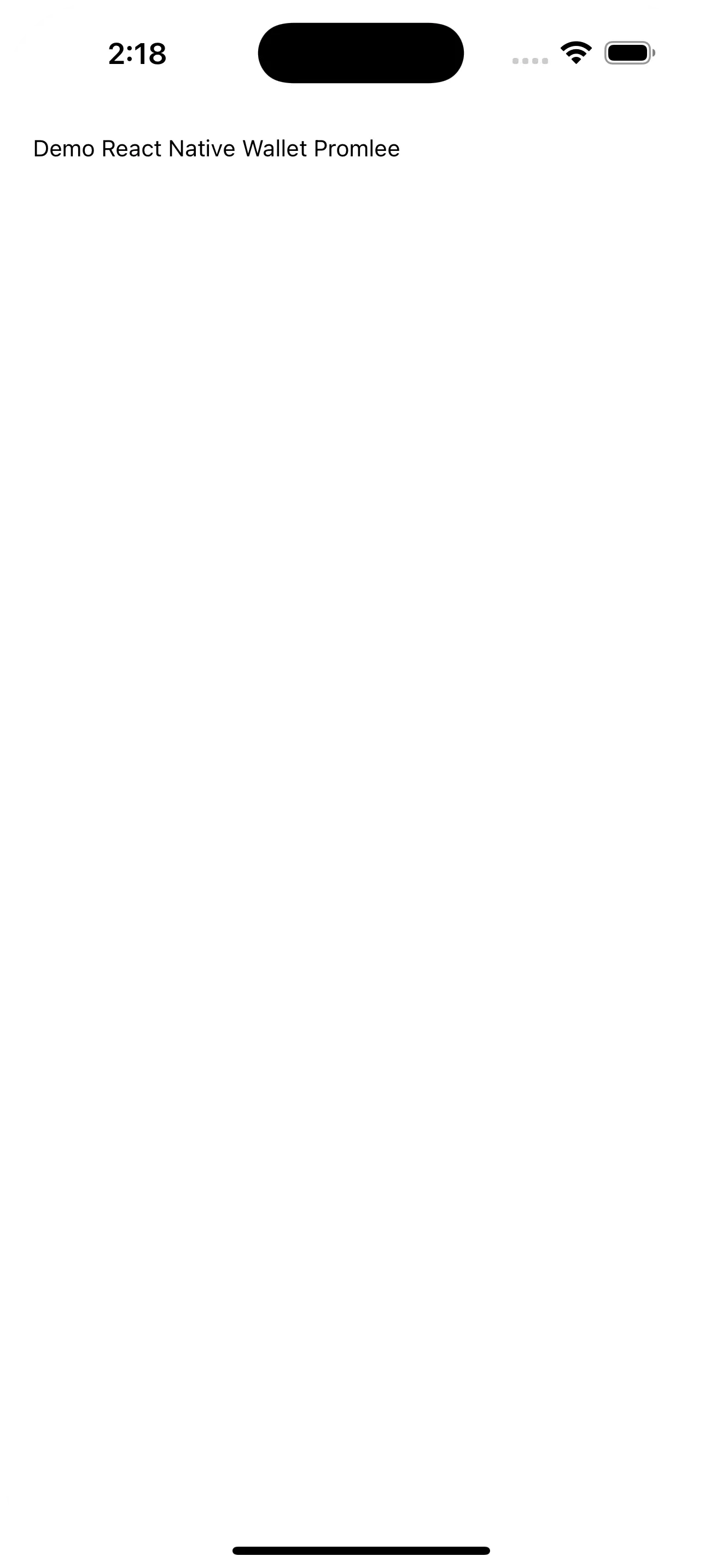
name: 'Demo React Native Wallet Promlee',
description: 'Demo RN Wallet to interface with Dapps',
url: 'www.promleeblog.com',
icons: ['https://your_wallet_icon.png'],
redirect: {
native: 'promleewallet://',
},
},
}).then((kit) => {
setWalletKit(kit);
});
}, []);
return (
<SafeAreaView style={{ padding: 20 }}>
<Text>{walletKit?.metadata.name}</Text>
</SafeAreaView>
);
};
export default App;