 Using Expo Vector Icons
📅
react-native-svg, but this library lets you use the icons you want without additional setup.
Browse the available icons here: expo.fyi↗.npm i @expo/vector-icons
import { 아이콘 패키지 } from '@expo/vector-icons';, and the second is the component, <아이콘 컴포넌트 />.
Copy both into the project to display the icon.
Here is example code and its result.import AntDesign from '@expo/vector-icons/AntDesign';
import { SafeAreaView } from 'react-native-safe-area-context';
const App = () => {
return (
<SafeAreaView
style={{ flex: 1, justifyContent: 'center', alignItems: 'center' }}
>
<AntDesign name="checkcircle" size={24} color="black" />
</SafeAreaView>
);
};
export default App;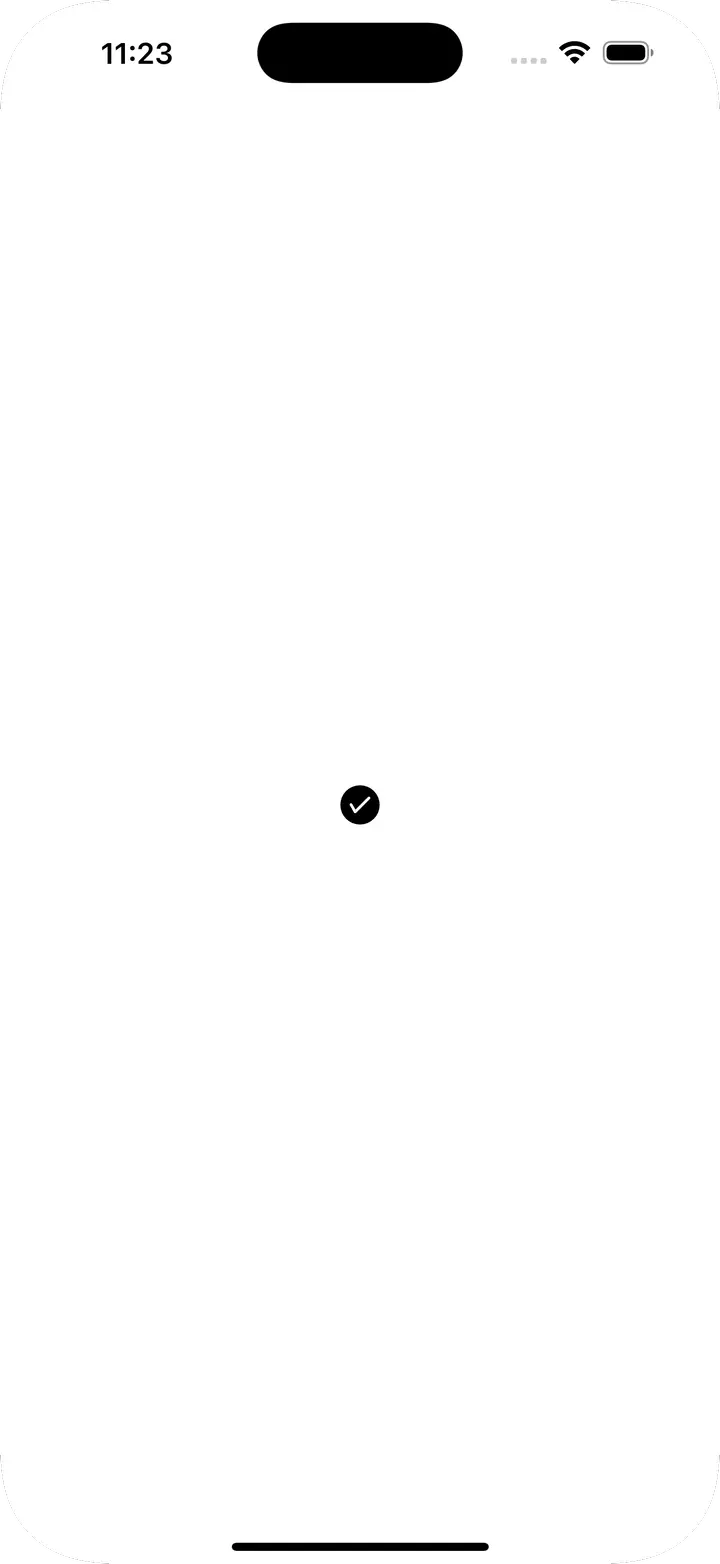
Icon.Button component that combines an icon and text.
Here is an example and its result.import AntDesign from '@expo/vector-icons/AntDesign';
import { SafeAreaView } from 'react-native-safe-area-context';
const App = () => {
return (
<SafeAreaView
style={{ flex: 1, justifyContent: 'center', alignItems: 'center' }}
>
<AntDesign.Button
name="checkcircle"
size={24}
color="white"
backgroundColor={'green'}
onPress={() => console.log('Button Pressed')}
>
Press Me
</AntDesign.Button>
</SafeAreaView>
);
};
export default App;
| Prop | Description | Type | Default |
|---|---|---|---|
| name | Icon name | string | X |
| size | Icon size | number | 20 |
| color | Icon color | string | white |
| backgroundColor | Button background color | string | #007AFF |
| onPress | Function called when pressed | () => void | null |
| borderRadius | Button corner radius | number | 5 |
| iconStyle | Icon style | StyleProp | {marginRight: 10} |