Large language models (LLMs), such as the ones used in ChatGPT, have become more capable. It can still be hard to tell what information a model is using. The conversation it draws on and the source of its data can feel like a black box to the user.
The
Model Context Protocol
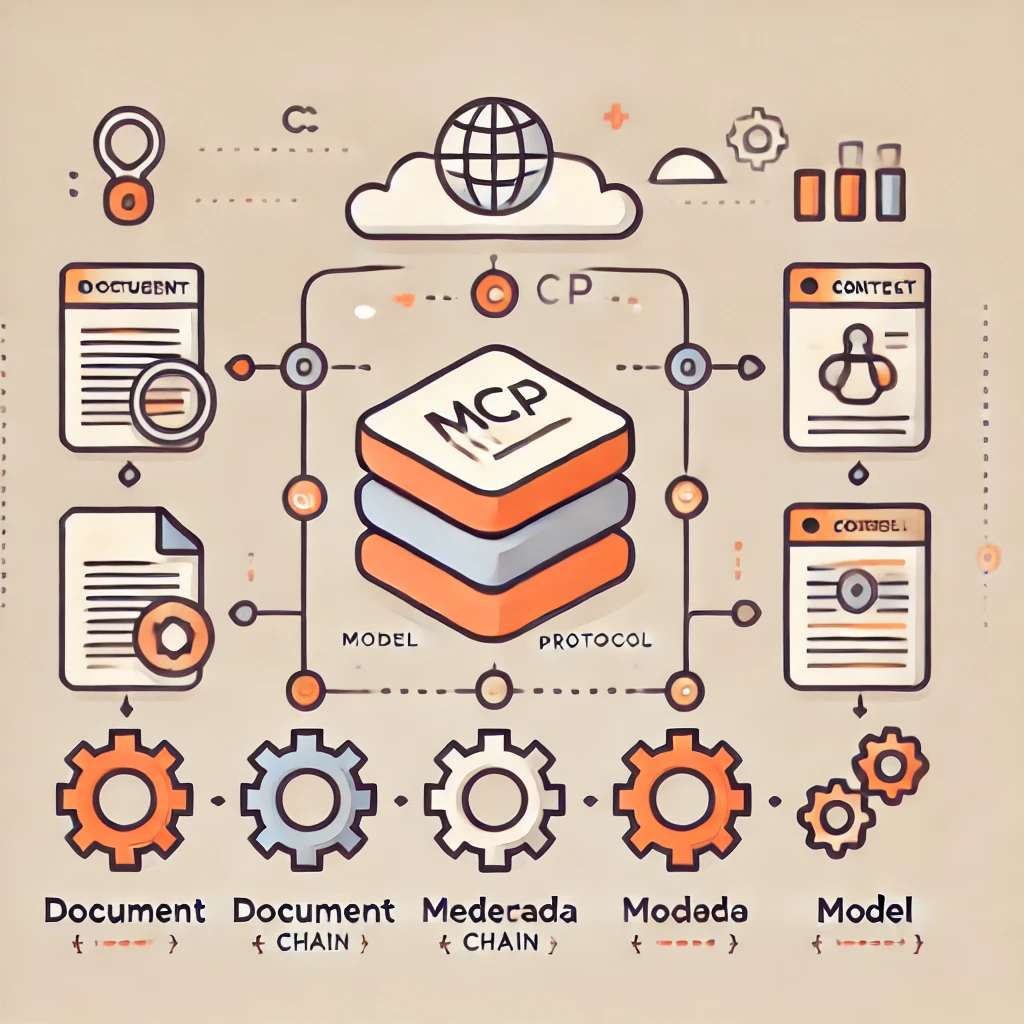
, or MCP, is an open standard introduced by Anthropic for connecting AI applications to external tools and data. A related design problem is how an application organizes the context it sends to a model. This article explores that problem through examples. The examples use a custom context format and do not implement the MCP wire protocol.
When an AI model generates text or answers a question, it can use the context it was given, including the user's intent and the environment the application sets up. Context can take many forms:
Earlier messages in a conversation.
The topic or the stated goal of a task.
Information retrieved from external documents or data sources.
Settings for the project the user is working on.
An application needs a consistent way to manage and connect these inputs. A structured context format helps the application assemble them for the model. MCP can help provide external data and tools through a standard connection.
👨💻
Earlier messages in ChatGPT are one example of context. An application can organize the context it sends to a model, including information retrieved through an MCP connection.
MCP standardizes how a host application connects to servers that expose tools, resources, or prompts. The host decides how to combine the resulting information with inputs such as user details, conversation history, documents, and system instructions.
For the application's own context, the examples in this article use these fields:
system
holds basic rules or a role for the model, such as “Respond as a friendly TypeScript expert.”
tools
lists available capabilities, such as a code interpreter or search.
files
lists external references, such as PDFs, source files, and notes.
threads
represents conversation history and context.
user
holds information about the user, such as their name, role, or goal.
Together these fields tell the model who it is talking to, what the context is, and what role it should play.
Applications sometimes put all this information into one system prompt or mix it into conversation logs. That can make it hard to reuse context, keep it coherent, or share it across teams.
Separating context into fields can help when building custom
GPTs
,
AI assistants
, or
automated workflows
. MCP is useful when such applications need standardized access to external capabilities.
Conversational applications often run in a client–server architecture. Here is how the application in this article divides the work. These are application roles. In an MCP integration, an MCP client connects to a server that exposes capabilities.
OpenAI's GPT Builder lets you configure instructions, tools, files, and knowledge through an interface. These are examples of structured context. The interface alone does not establish that GPT Builder uses MCP internally.
A company can use the OpenAI API to build an assistant that works with internal documents and policies. Its application might organize context this way:
system: “Follow company policies and guidelines.”
files: Uploaded internal documents.
user: Employee roles and permissions.
That context helps the assistant respond more consistently and accurately for each user or situation.
When you build a custom GPT, the platform manages the settings you configure. You can also define similar fields yourself in an application. Here are two examples.
Clear, reusable context makes it easier to understand how an AI application works and to put it to work on real tasks. MCP provides a standard connection to external tools and data. You can combine that connection with a context structure suited to your application, whether you're building alone or with a team.
 Understanding the Model Context Protocol (MCP) and Model Context