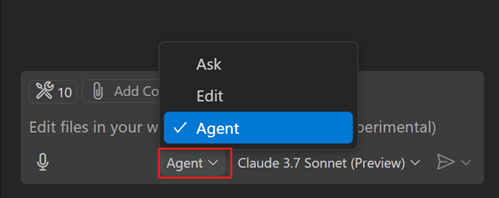
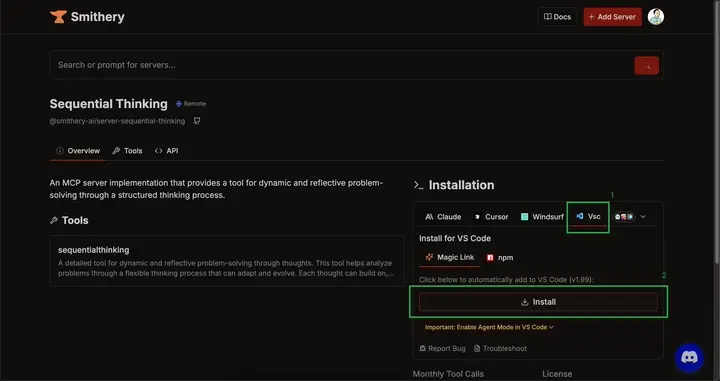
Visual Studio Code supports the Model Context Protocol (MCP) with GitHub Copilot. This gives agent mode access to external tools. This guide walks through configuring and using MCP servers based on the official documentation.
is an open standard that lets models interact with development tools. An AI can use those tools to read and write source files or run commands alongside its text responses. VS Code supports MCP tools in agent mode.
Copilot can now use that server.
To enable a server in every workspace, specify it in the MCP section of VS Code user settings. If you run MCP: add Server from the Command Palette (Cmd+Shift+P), VS Code automatically adds the new configuration to your user settings.
VS Code can discover and reuse servers defined in other tools, such as Claude Desktop. Enable automatic discovery with the chat.mcp.discovery.enabled setting. Run MCP: list Servers from the Command Palette to view and manage configured servers.
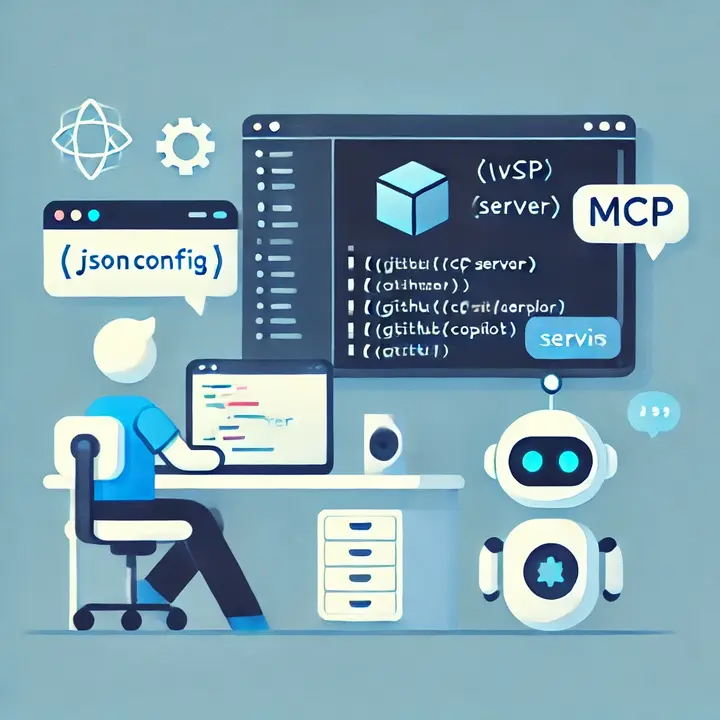 Using MCP Servers in Visual Studio Code