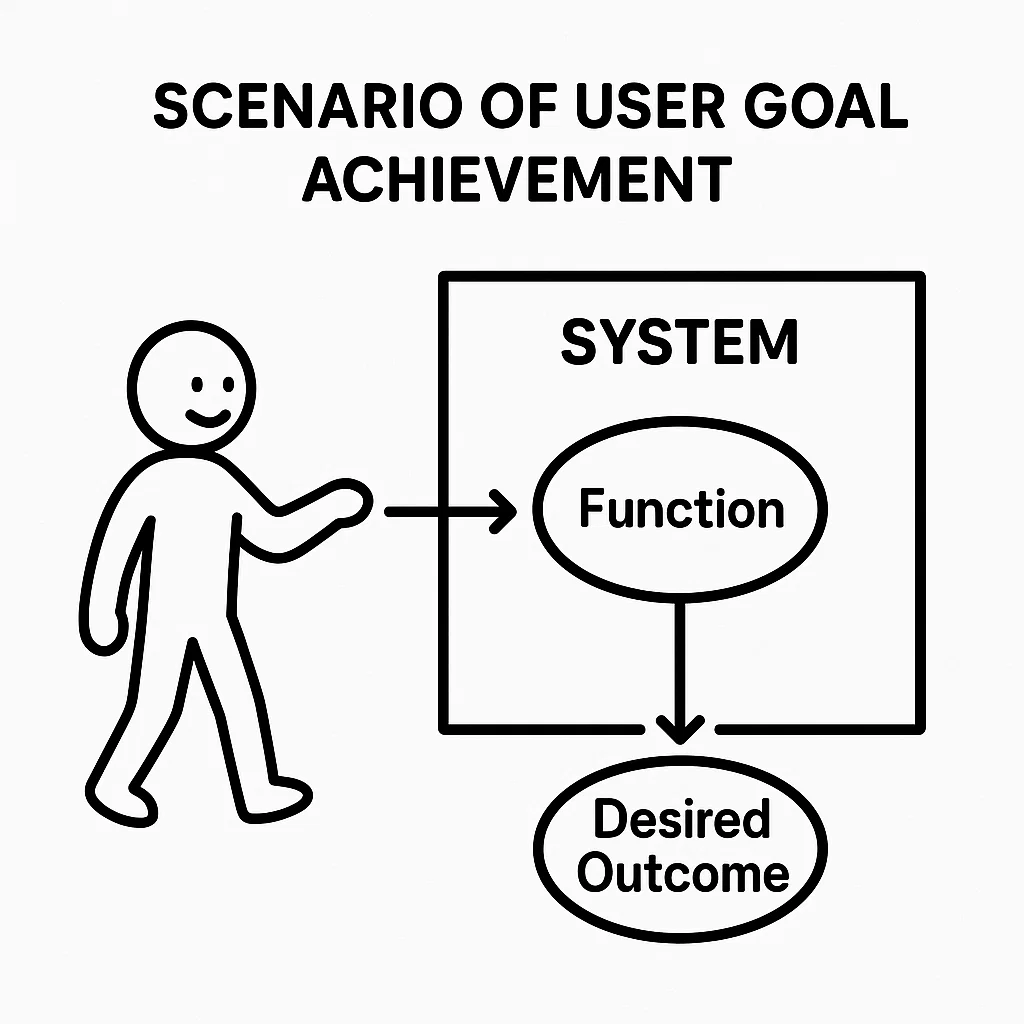
 Organizing User Requirements with Use Cases
📅
Before We Begin 🔗
Last time we looked at ways to uncover users' unspoken requirements. Once collected, those requirements need a clear structure so stakeholders share the same understanding and the development team knows what to build.
A
use case
organizes requirements from the user's perspective around what the user wants to accomplish with the system. This post covers use cases, actors, scenarios, and how to write a use case specification. The next post covers use case diagrams.What Is a Use Case? 🔗
The Swedish computer scientist Ivar Jacobson first developed the concept. A use case describes a
valuable function
that a system provides to a user or another system, from that user's perspective. The participant can be a person, an external system, or a device. We call that participant an actor
.A use case answers a question through scenarios: “Which actor uses the system to achieve which goal?” An online bookstore might have these use cases.
- A member searches for a book.
- A member orders a book.
- An administrator adds a new book.
Use case diagrams typically show use cases as ovals and actors as stick figures, giving a visual overview of the system's scope. The
use case specification
, also called a use case description, explains in detail what happens in each use case.Core Elements of a Use Case 🔗
Understanding these three elements helps you write use cases.
1. Actor 🔗
An actor is a person, other system, or device
outside
the system that interacts with it to achieve a goal. An actor may start a use case or be affected by its outcome.Primary Actor 🔗
The primary actor uses the system to achieve the use case's goal and often initiates it. For example, the member is the primary actor in “Order a Book.”
Secondary or Supporting Actor 🔗
The system receives help from or exchanges information with a supporting actor while helping the primary actor achieve the goal. For example, an external payment system supports “Order a Book” by processing payment.
Characteristics 🔗
Actors are external to the system. They represent roles, so one person or system can play several roles. Use case diagrams usually show actors as stick figures.
2. Use Case 🔗
A use case represents a
goal
an actor wants to achieve through the system. It covers a complete unit of functionality that the system offers the actor. Names usually use verb phrases such as “Sign In,” “Write a Post,” or “Search for a Product.”Characteristics 🔗
A use case should produce a meaningful outcome for the actor. It can contain several scenarios. In a use case diagram, it appears as an oval.
3. Scenario 🔗
A scenario describes a
sequence of interactions
between an actor and the system from the start to the end of a use case. Like a scene in a play, it shows who does what, under which conditions, and what happens next.Basic Flow or Main Success Scenario 🔗
The basic flow is the usual successful path, often called the “happy path.” It describes how the actor reaches the goal without errors or exceptions.
Alternative Flows 🔗
These paths depart from the basic flow but still let the actor reach the goal, for example by choosing another option or meeting a condition that triggers different handling.
Exception or Error Flows 🔗
These describe what happens when an error occurs or the actor cannot reach the goal, such as after invalid input or a system failure.
A use case has one basic flow and can have multiple alternative and exception flows. Documenting these scenarios in detail is the heart of a use case specification.
Write a Use Case Specification 🔗
A use case specification records the details of a use case. There's no single required template, but common fields include:
- Use Case IDA unique identifier such as UC-001.
- Use Case NameA short name that communicates the goal, such as “Register an Account.”
- ActorsThe primary and supporting actors.
- Brief DescriptionA one- or two-sentence summary of the purpose and main functionality.
- PreconditionsConditions that must hold before the use case begins, such as “The user is signed in.”
- PostconditionsThe system state or conditions guaranteed after successful completion. For example, the database contains the new member record and the system has sent a welcome email.
- Basic Flow or Main Success ScenarioThe main steps for successful completion in order.
- Alternative FlowsOther successful paths that depart from the basic flow.
- Exception FlowsError handling or scenarios in which the use case fails.
- Special RequirementsRelated nonfunctional requirements, such as performance or security, and business rules.
- Notes and IssuesAdditional details and unresolved questions.
Example Specification: Order a Book from an Online Bookstore 🔗
Here is a short specification for a member ordering books through an online bookstore.
1. Use Case ID
UC-ORD-0012. Use Case Name
Order a Book3. Actors
- Primary actor: Member
- Supporting actors: Payment system and inventory management system
4. Brief Description
The member selects books and completes the order by paying.5. Preconditions
- The member is signed in.
- The cart contains at least one book to order.
6. Postconditions
- On success, the system records the order.
- On success, stock levels for the ordered books decrease.
- On success, the system shows an order confirmation and sends a confirmation email.
- On failure, the system does not record the order and tells the user why it failed.
7. Main Success Scenario
- The member clicks Place Order on the cart page.
- The system shows the items and total amount, and provides a form for shipping details.
- The member enters shipping details and clicks Continue to Payment.
- The system shows a screen for choosing a payment method.
- The member chooses a method, enters payment details, and clicks Pay.
- The system asks the inventory management system to check stock for the books.
- The inventory management system confirms that there is enough stock.
- The system requests payment from the payment system.
- The payment system reports success.
- The system saves the order and asks the inventory management system to reduce stock.
- The system shows the order confirmation page and sends the confirmation email.
8. Alternative Flows
- 8.1. Change the shipping addressAt step 3, the member enters or selects a different shipping address. The system saves the new shipping details.
- 8.2. Apply a couponAt step 4, the member applies a coupon they hold. The system calculates and displays the discounted total.
9. Exception Flows
- 9.1. Insufficient stockAt step 7, if the inventory management system reports that a particular book is out of stock:
- The system shows a message identifying the affected book.
- The member can continue without that book or cancel the order.
- 9.2. Payment failureAt step 9, if the payment system reports a failure:
- The system shows that payment failed and gives a reason, such as an exceeded limit or invalid card details.
- The member can try again with another method or corrected payment details.
- 9.3. System errorIf an unexpected error occurs while processing the order:
- The system shows a message such as “A temporary error occurred. Please try again shortly.”
- The system logs the error.
10. Special Requirements
- Encrypt all sensitive information, including personal and payment details, during order processing.
- The average response time through order completion must be no more than five seconds.
A use case specification gives the development team detailed scenarios to understand what users need and guide implementation.
Conclusion 🔗
Use cases help define and analyze system functions from the user's point of view. We looked at actors, use cases, and scenarios, then used those concepts to write a detailed specification.
Next time, we'll look atsystem modeling with context and activity diagramsto describe the system as a whole and define how it relates to its surroundings.
References 🔗
- Use case — Wikipedia↗ (English. An overview of use cases.)
- Use Case Tutorial — Visual Paradigm↗ (English. A use case tutorial.)